
Understanding File Systems

A file system is a crucial component of data storage technology that manages how data is stored, organized, and accessed on storage devices. It provides the structure and logic for managing files and directories, enabling users and applications to efficiently retrieve and store information.
Effective file system design significantly impacts storage performance, data integrity, and overall system reliability. This guide introduces the core concepts of file systems, popular types, and best practices to optimize your data management strategies.
Core Functions of File Systems
File systems are responsible for several essential tasks, including:
- Organizing data into files and directories for easy navigation.
- Managing metadata, such as file names, permissions, timestamps, and sizes.
- Allocating and deallocating space on storage devices.
- Ensuring data consistency and recovery in case of failures.
- Supporting access control and security mechanisms.
Common Types of File Systems
NTFS (New Technology File System)
Developed by Microsoft, NTFS is the default file system for Windows OS. It supports large volumes, file compression, encryption, and robust metadata handling, ensuring versatile performance for both consumer and enterprise environments.
EXT4 (Fourth Extended File System)
Widely used in Linux distributions, EXT4 supplements the EXT series with improvements in speed, reliability, and support for large files. It features journaling to reduce corruption risks and supports volumes way beyond typical sizes.
APFS (Apple File System)
Apple's modern file system for macOS, iOS, and other Apple devices. APFS is optimized for flash/SSD storage and focuses on encryption, space sharing, cloning, and improved crash protection.
FAT32 (File Allocation Table 32)
Legacy file system with broad compatibility across many devices and operating systems. Ideal for smaller drives and removable media, though it has limitations like a 4GB maximum file size.
File System Architecture
File systems typically consist of several layers:
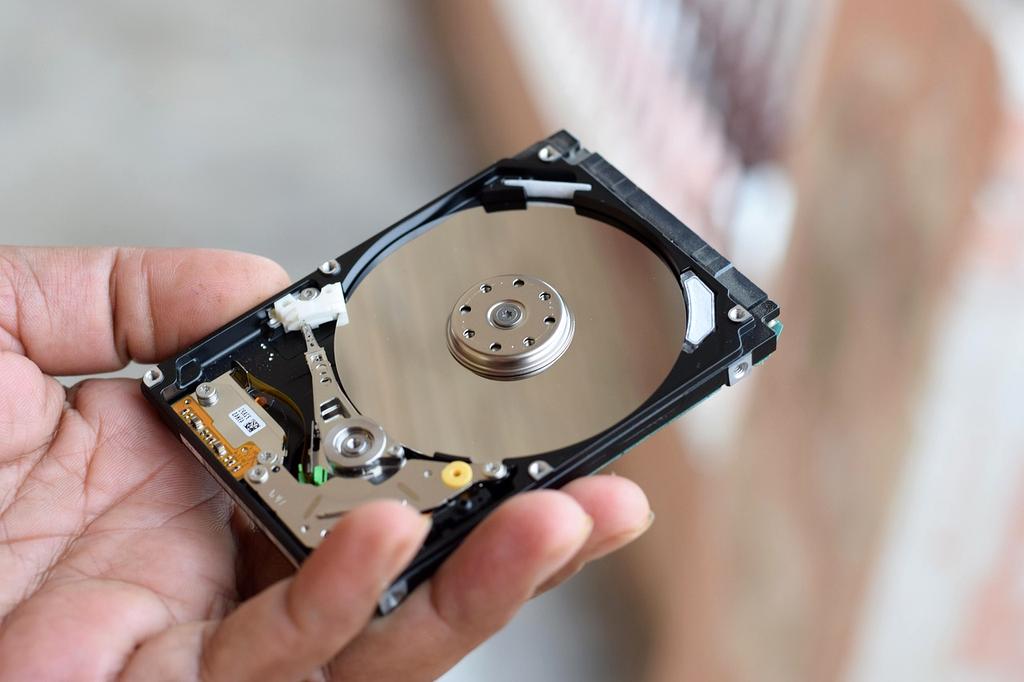
- Physical Storage Layer: The raw hardware like SSDs or HDDs where data is physically stored.
- Logical Volume Manager: Abstracts physical storage to create flexible volume management across devices.
- File System Driver: Software layer handling file operations, translating file system calls into disk read/write commands.
- Metadata Management: Manages data about data including directory trees, file attributes, and allocation maps.

Best Practices for Efficient File System Use
- Regular Maintenance: Use file system check tools to detect and repair corruption.
- Choosing the Right File System: Select based on OS compatibility, performance needs, and volume size.
- Backup Important Data: Employ backup and snapshot features where available.
- Optimize for SSDs: Enable TRIM and avoid frequent rewriting to extend lifespan.
- Security: Utilize encryption and set proper permissions to protect sensitive information.
Connect with Storage Experts
Get personalized recommendations for your data infrastructure needs from our quantum storage specialists

Enterprise Security
Military-grade encryption and zero-trust architecture protecting your sensitive data
Peak Performance
Achieve 10x faster data processing with our quantum-optimized storage solutions

24/7 Expert Support
Round-the-clock technical assistance from certified storage engineers